ScreenshotLesson 46 of 61
Vector QR Codes and Barcodes
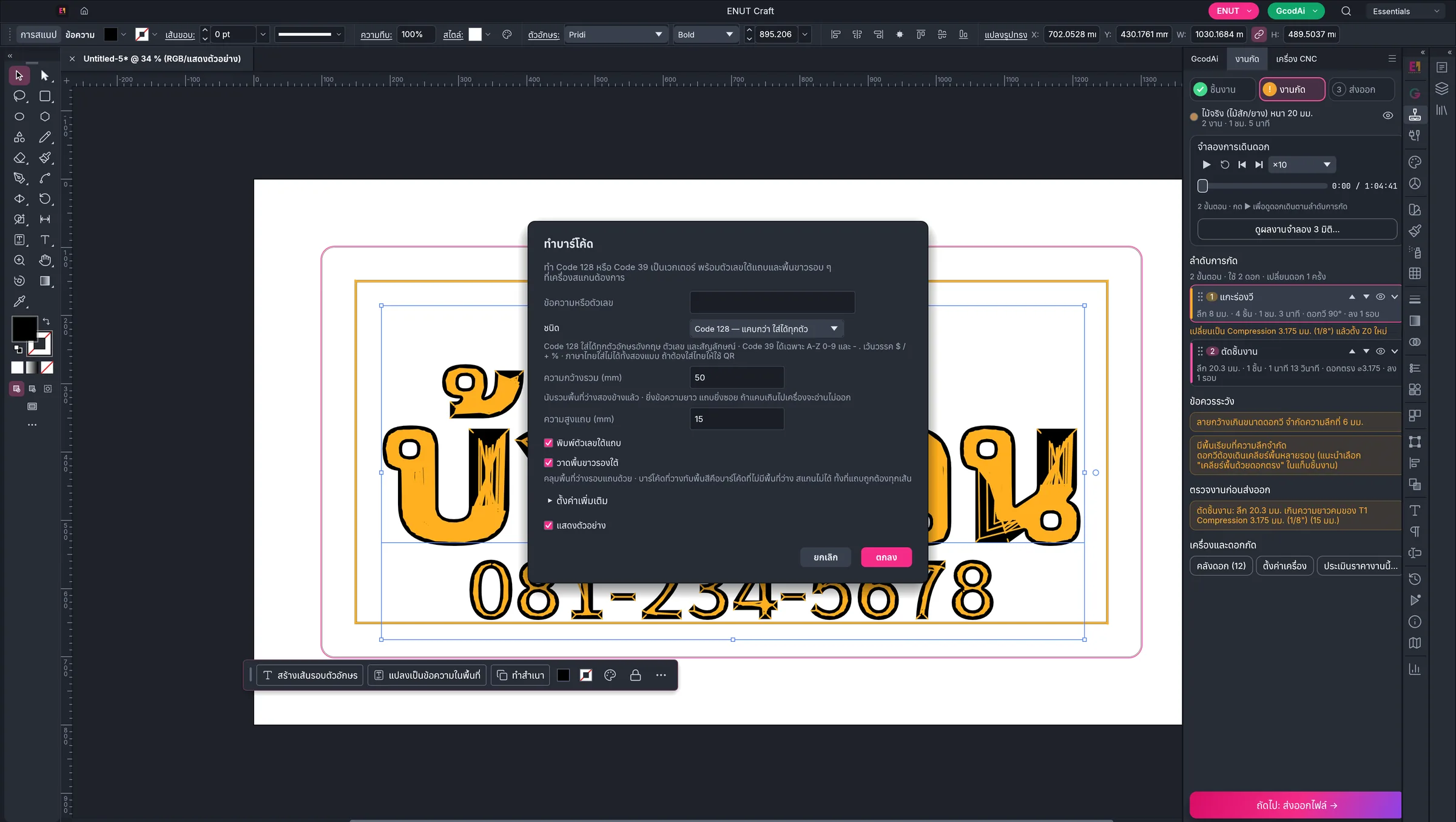
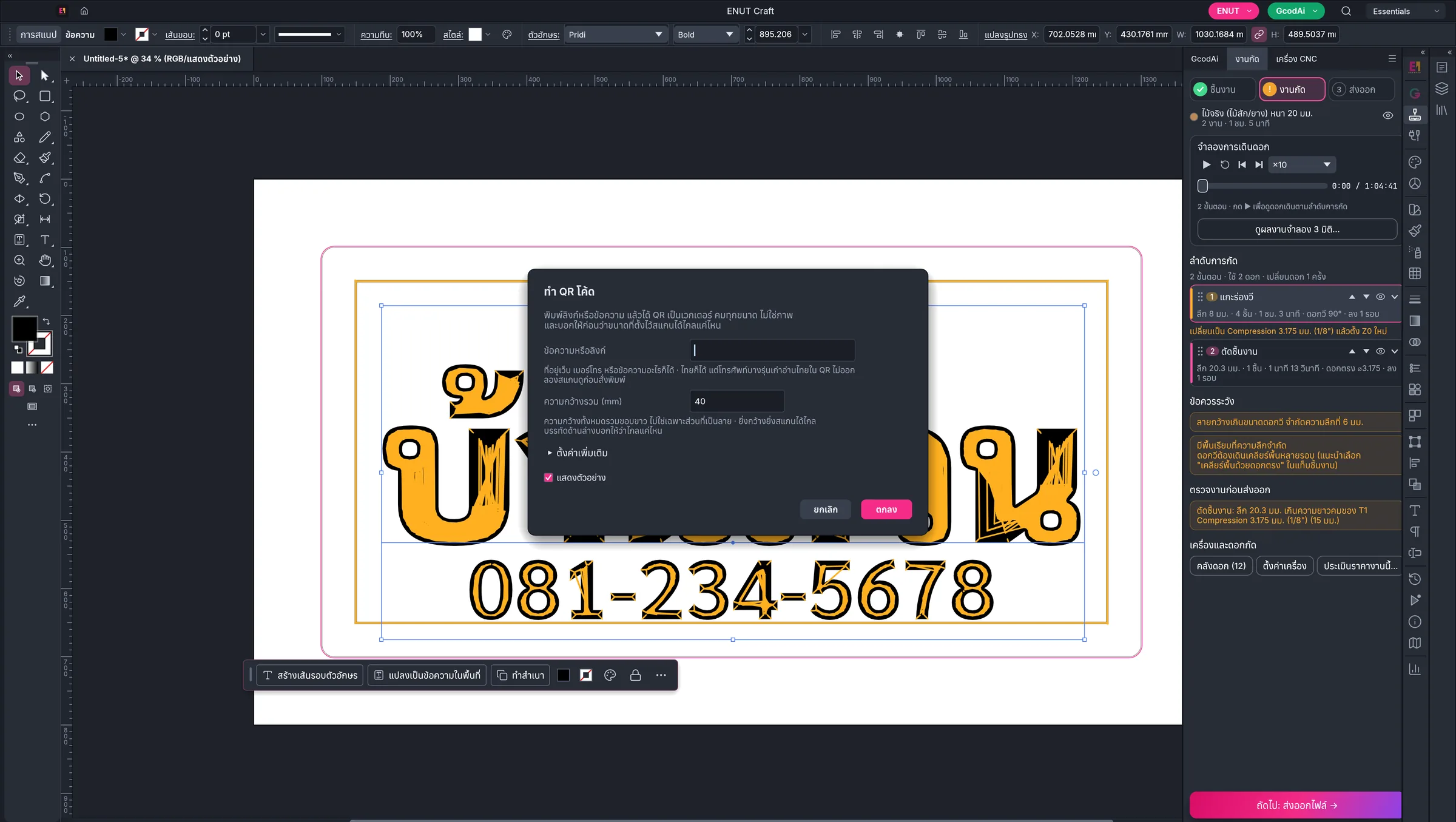
ENUT › QR Code… turns a link or text into a vector QR code that stays sharp at any size, and tells you how far away the size you set can be scanned. ENUT › Barcode… makes Code 128 or Code 39 with the numbers under the bars.
Steps
Open ENUT › QR Code…, type the Text or link, then set the Total width
For outdoor signs, open More Settings and set the Error correction to Q or H
Click OK. The QR code is placed on the artboard you can see. You don't need to select anything first
Barcode: open ENUT › Barcode…, type the Text or number, then choose the Kind, Code 128 or Code 39
Set the Total width and the Strip height, tick Print the text under the bars, then click OK
Screenshots in this lesson