
ScreenshotLesson 41 of 61
Send Your Artwork to Aksorn3D
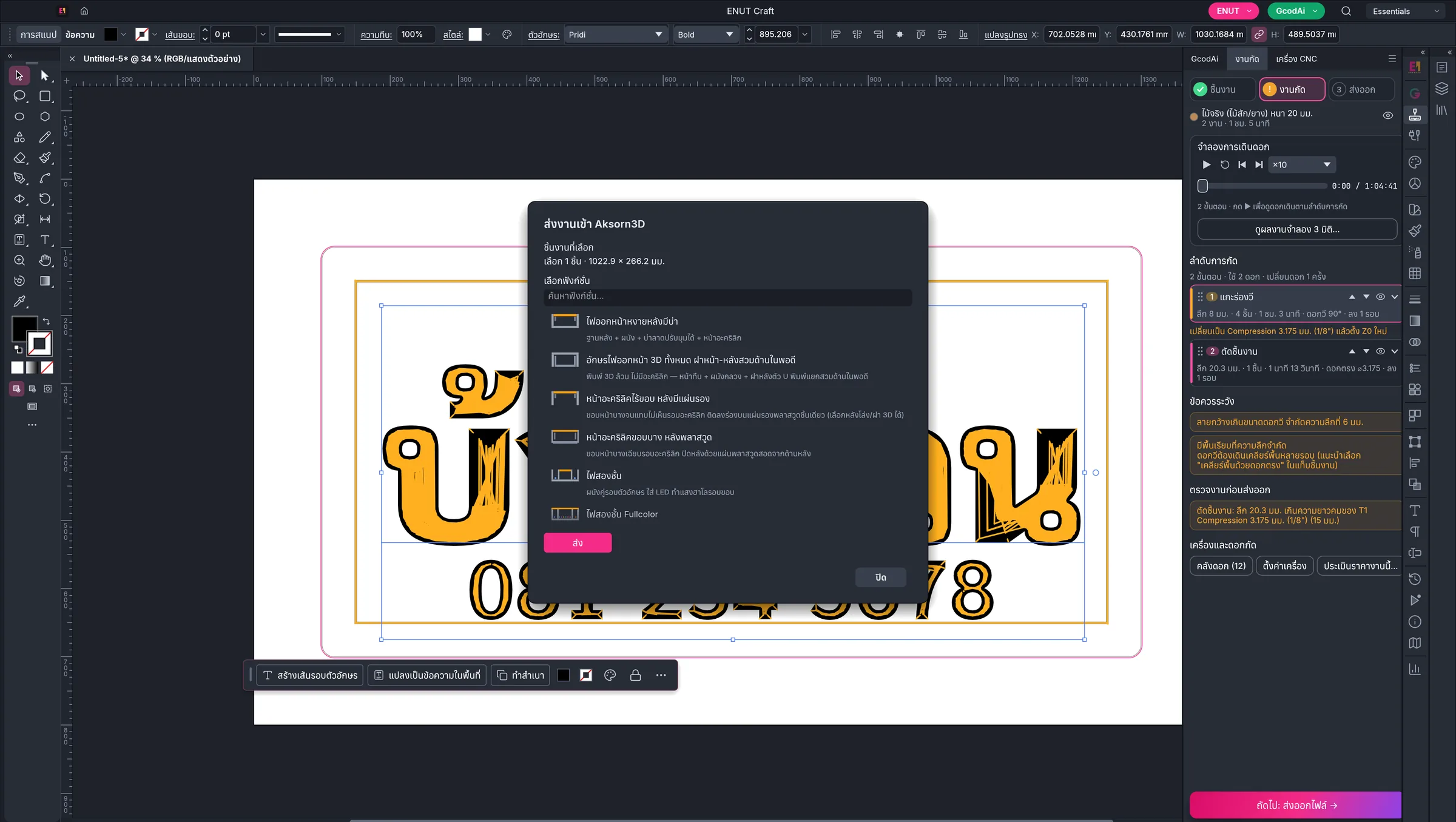
Select text or a shape, use ENUT › Send to Aksorn3D…, choose a 3D lettering style and click send. Your browser opens aksorn3d.com with the job ready. The job waits on the website for 30 minutes.
Steps
Select the text or shapes that have a fill color
Open ENUT › Send to Aksorn3D… or the Aksorn3D panel
Check the Selection section to make sure the number of pieces and the sizes in millimeters are right
At Choose a style, pick a job, or type to search in the Search styles… box
If you have a front or back pattern, select the piece and click Use the selection in the front or back row
Click Send. The browser opens aksorn3d.com with your job