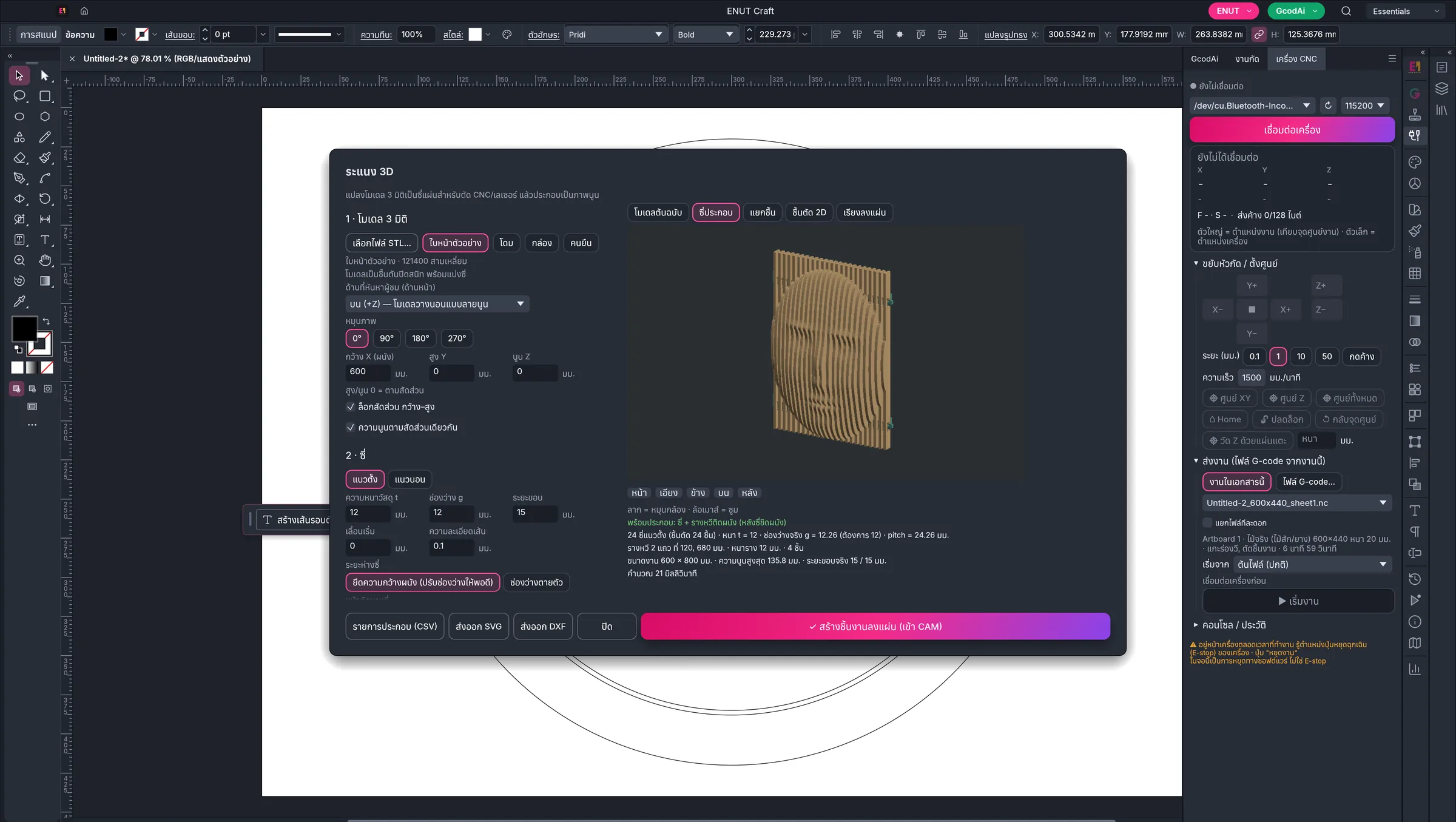
ScreenshotLesson 55 of 61
Ready-Made CNC Signs: PromptPay and Wi-Fi QR, Stencil Letters, Slats, Thai Patterns, Icons
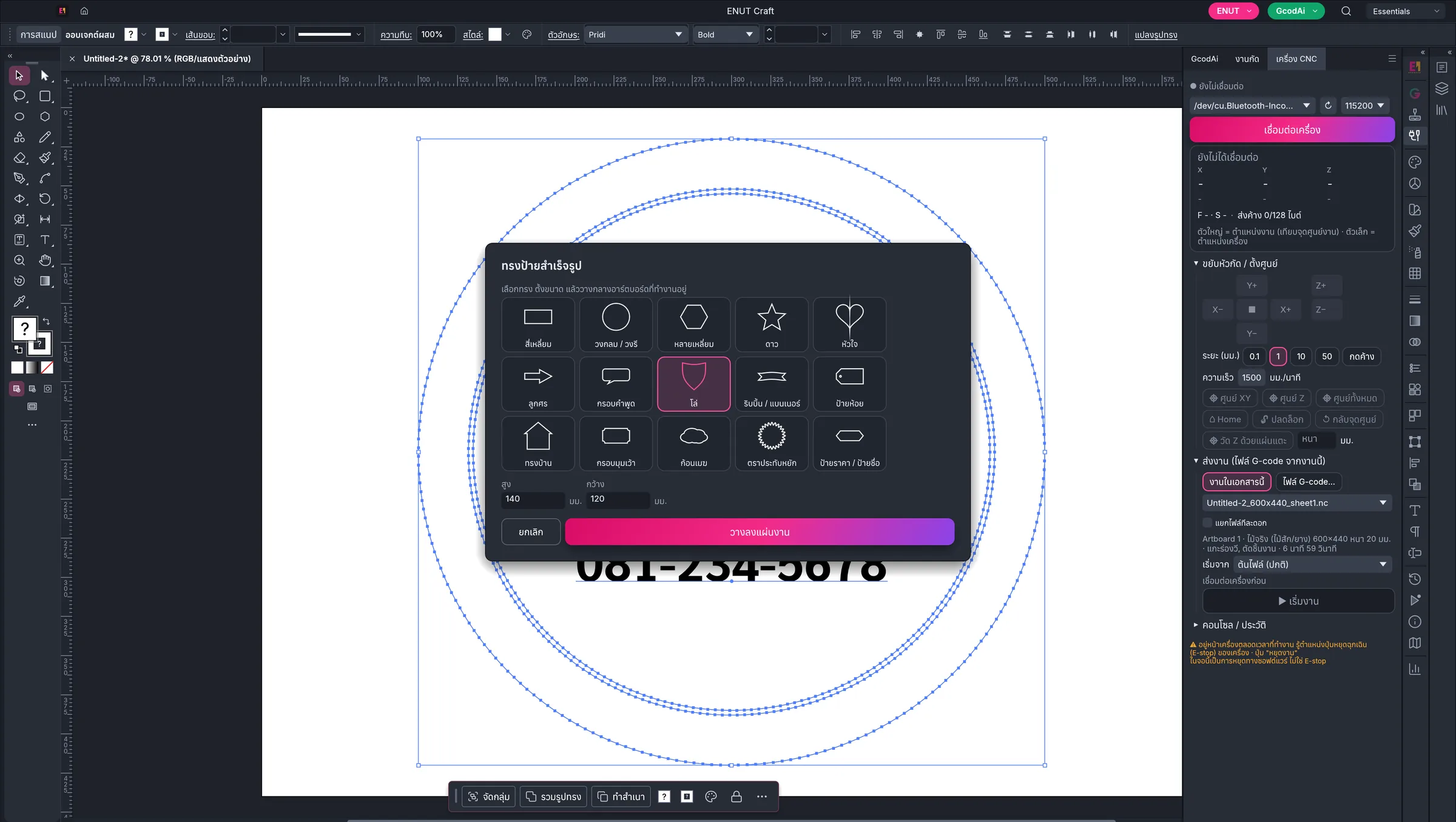
GcodAi › CNC Sign Extras… has ready-made sign shapes, PromptPay and Wi-Fi QR codes, stencil letters, backing plates and picture slicing. GcodAi › Boxes, Motifs, Slats… has the motif library, frames, icons and slat signs. Place them on the sheet and set the machining right away.
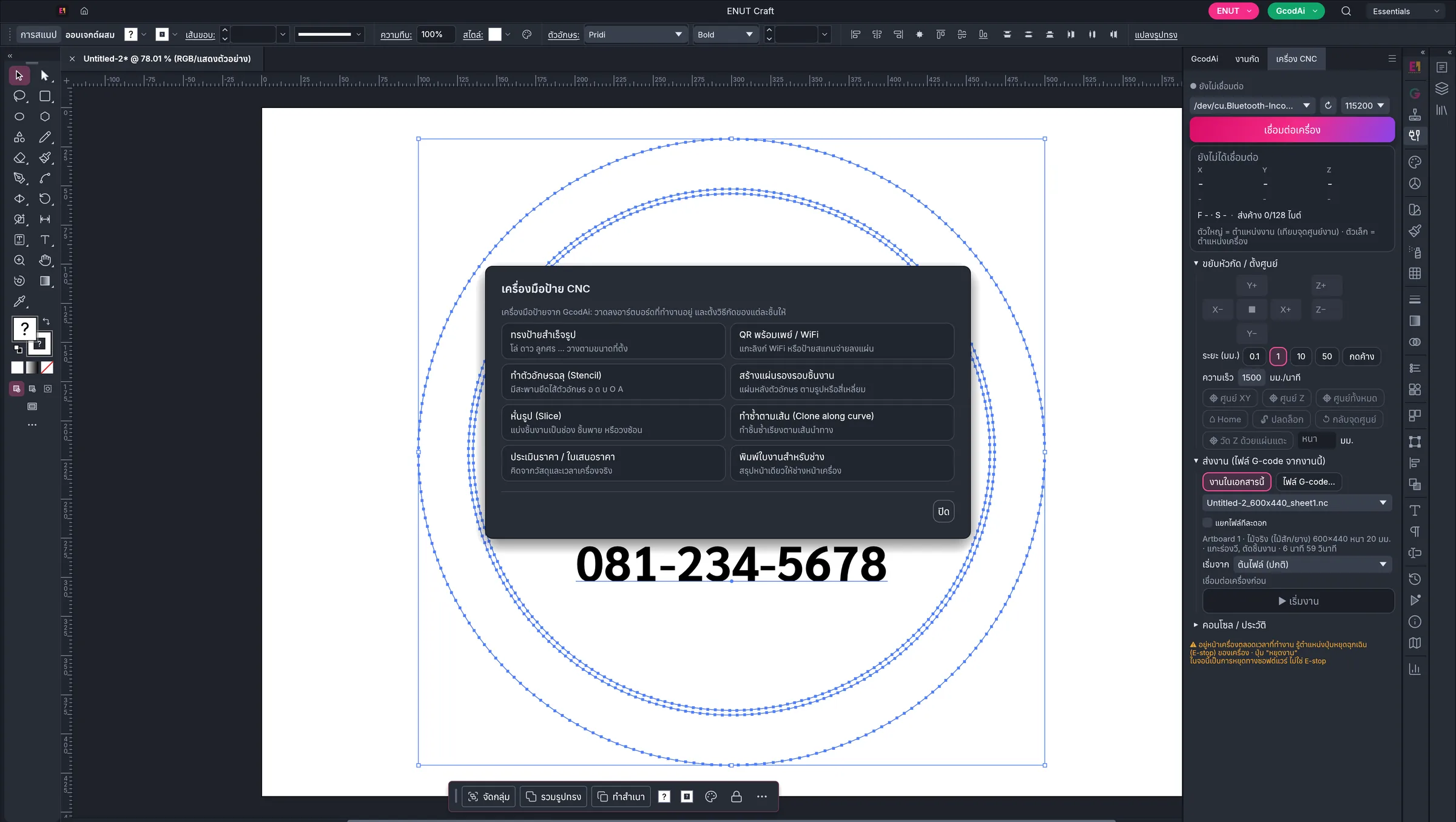
Steps
Open GcodAi › CNC Sign Extras…
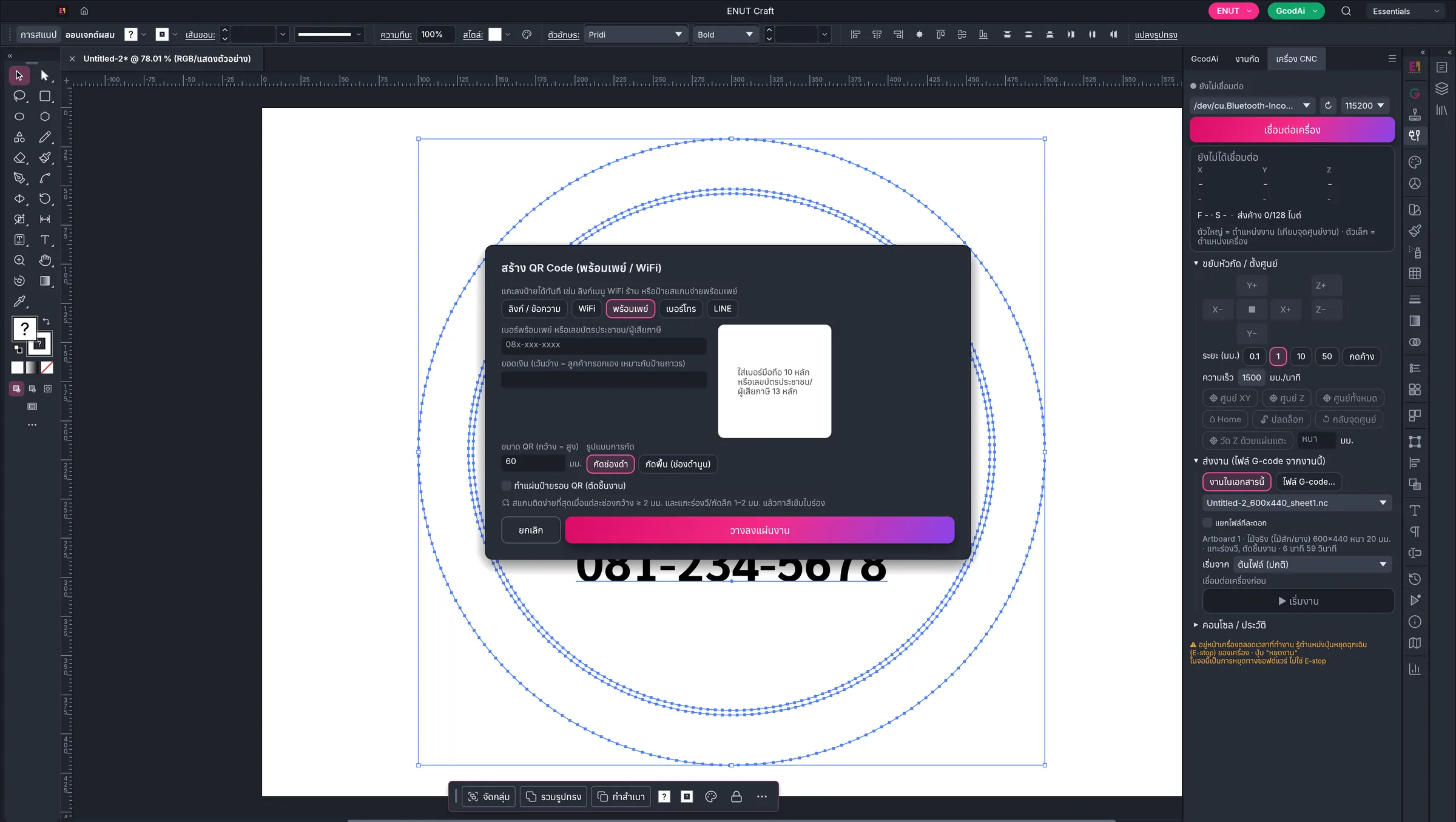
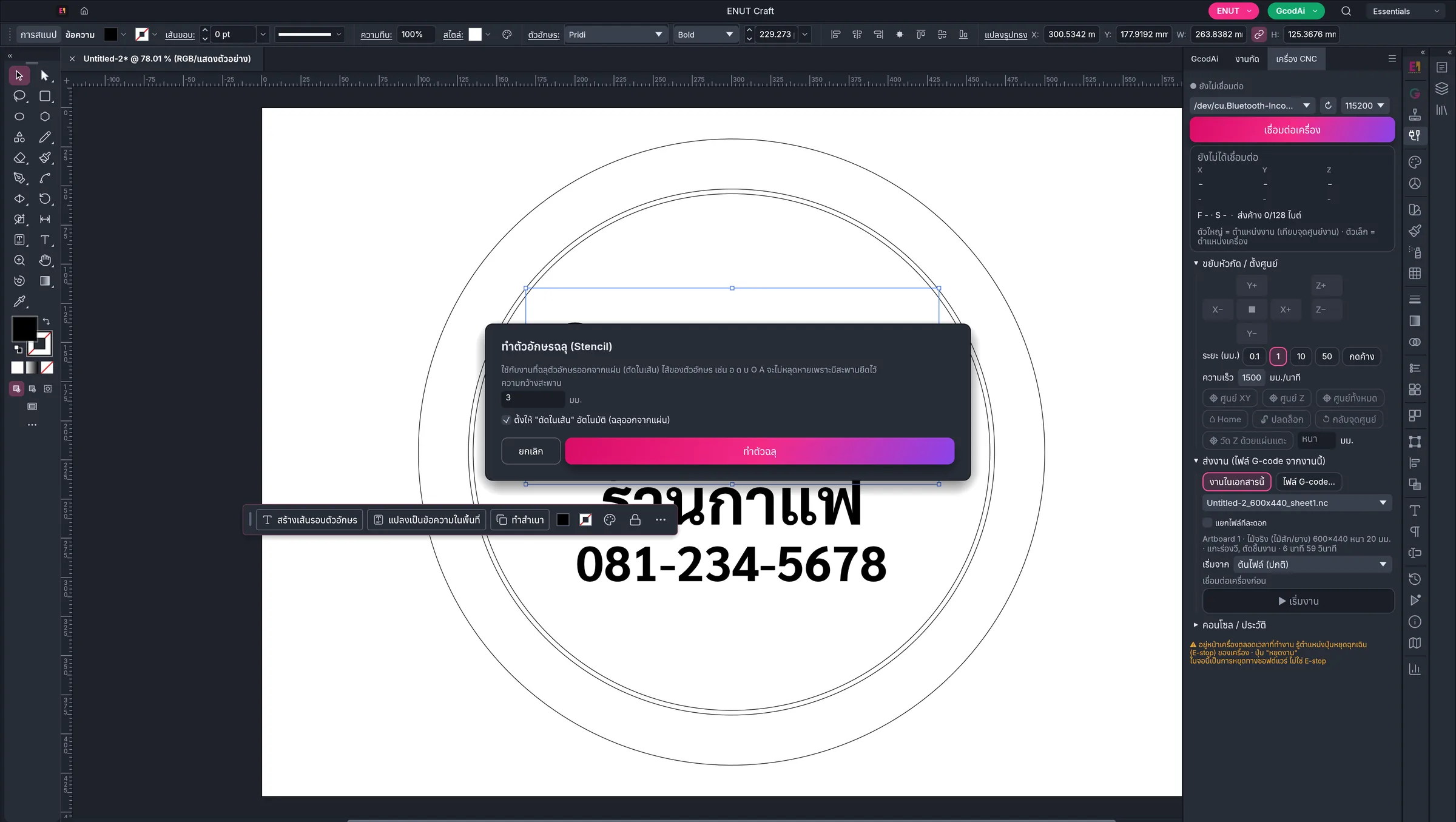
Choose a tool: Ready-made sign shapes…, PromptPay / WiFi QR…, Stencil letters…, Backing plate round the pieces… or Slice Picture (Slice)…
PromptPay QR example: choose PromptPay, enter the PromptPay phone number or national ID number (leave the amount empty so customers can enter their own), then click Place on the sheet
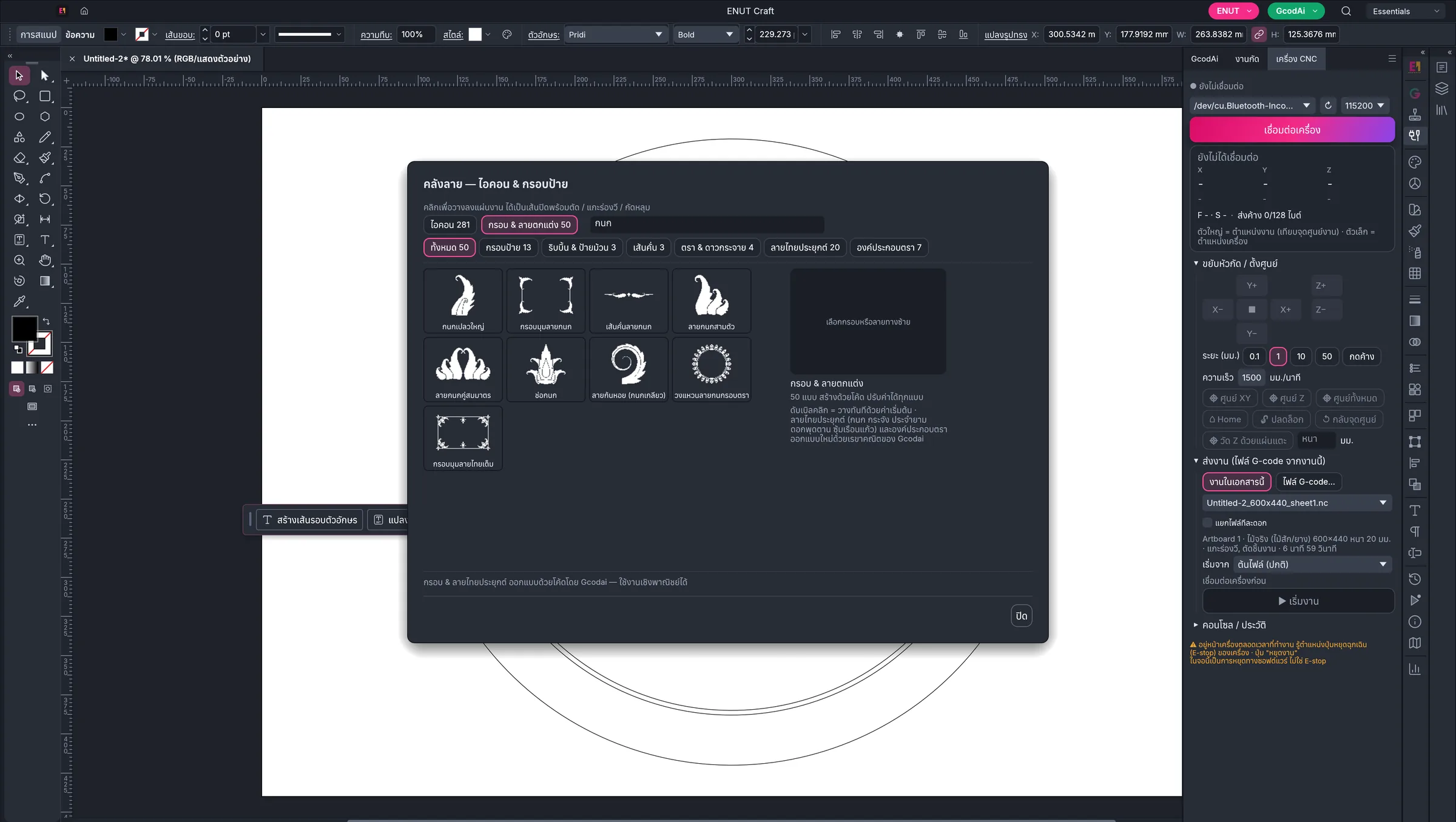
Thai patterns, frames and icons: open GcodAi › Boxes, Motifs, Slats…, choose Motif / Icon Library…, then pick the Icons tab or the Frames & ornaments tab
Slat signs: choose Slat Sign (Slat)… from the same menu
Go to the Pieces tab and choose whether to V-Carve or Pocket
Screenshots in this lesson