ClipLesson 37 of 61
Unroll Channel Letter Sides into Flat Strips
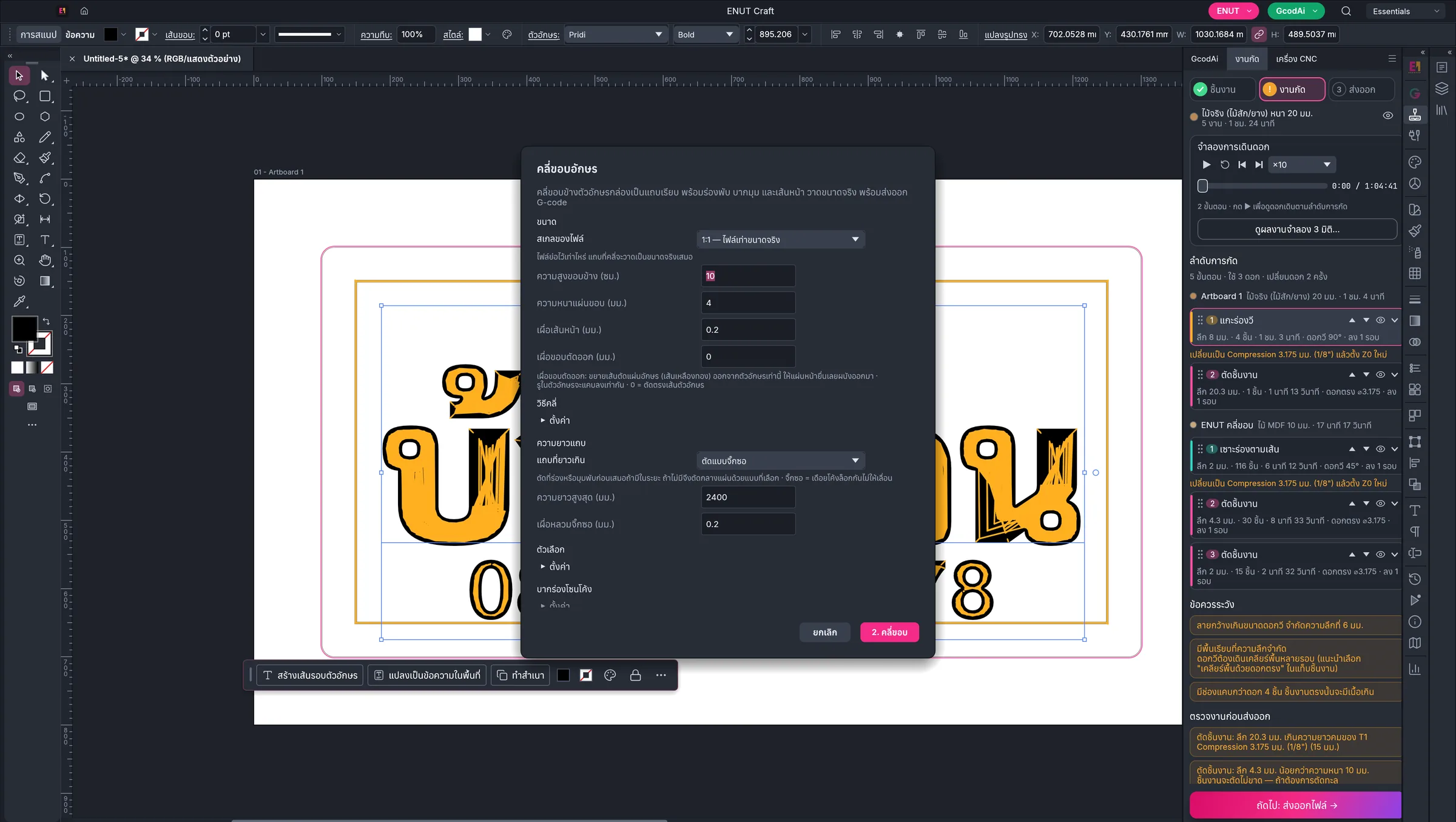
Select the channel letters and use ENUT › Unroll letter sides…. Enter the side height and the sheet thickness, and the program unrolls the sides into flat strips at real size, with fold grooves, corner notches and face lines. You can then lay out the sheets and export G-code in the same window.
Tutorial clip 2:17 (narrated in Thai) Watch on YouTube
- Unroll channel letter sides into CNC cutting strips automatically
- The ENUT › Unroll letter sides… menu
- Enter the side dimensions
- Corner method
- Jigsaw-style cut
- Summary line
- Click 2. Unroll
- 3. Lay out on sheets
- Export G-code or send to the machining job
- The 4 assembly steps (AI image)
- Example: standing letters, 60 cm high (AI image)
- Closing
Steps
Select the channel letters, then open ENUT › Unroll letter sides…
Under Size, set the Drawing scale, the Side Height (cm) and the Side strip thickness (mm)
Choose the Corner method, such as Smooth or Sharp, and choose what to do with Strips that are too long, such as a jigsaw-style cut
Click 2. Unroll to get real-size edge strips with fold grooves and corner notches
Go to 3. Lay out on sheets and choose the Letter panels, such as front only, back only, or front and back
At 4. Export G-code, choose the machine, the folder and the file name, then export
Screenshots in this lesson