ClipLesson 53 of 61
3D Work: Relief from a Picture, Importing STL, Sculpting Relief
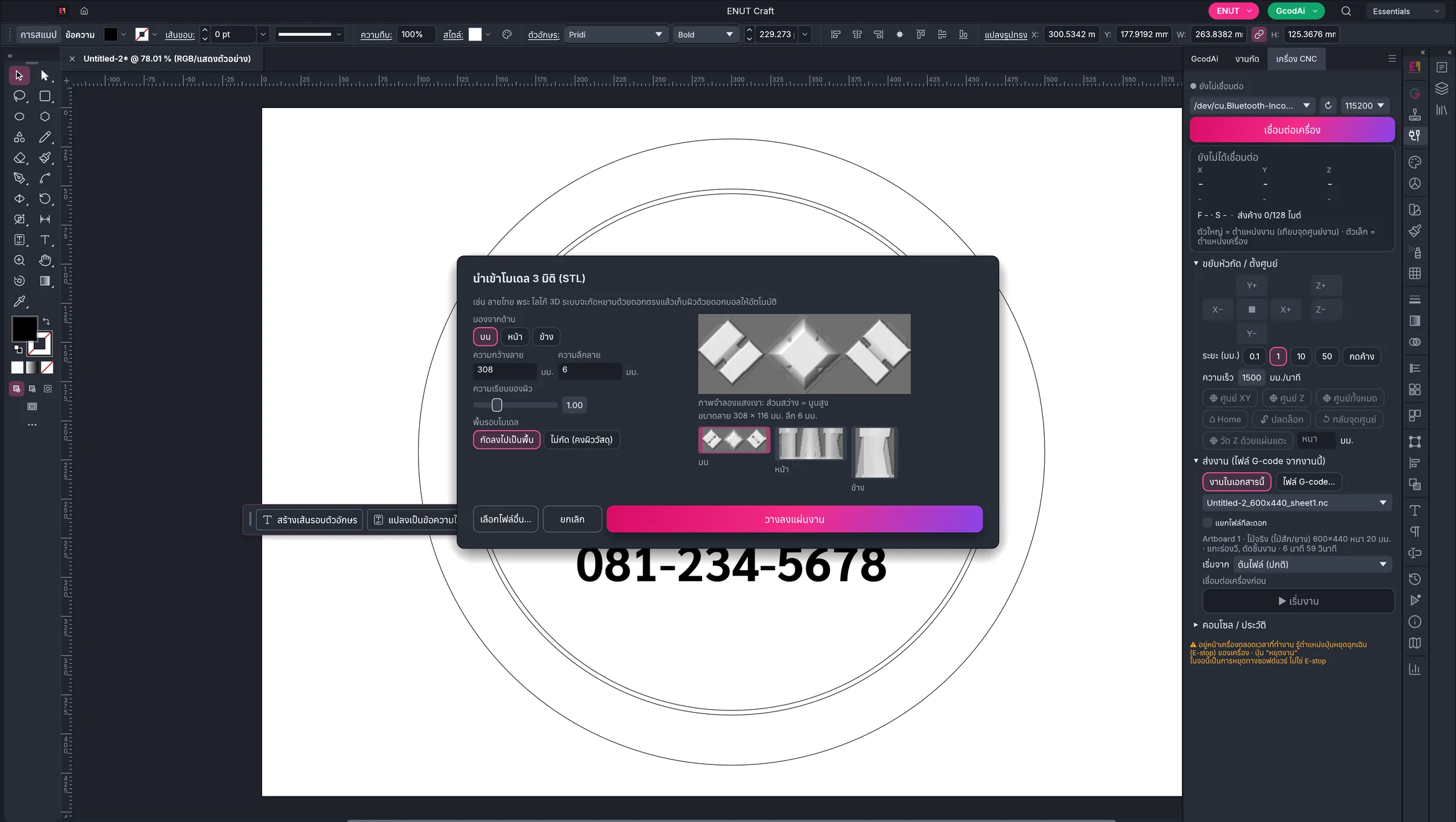
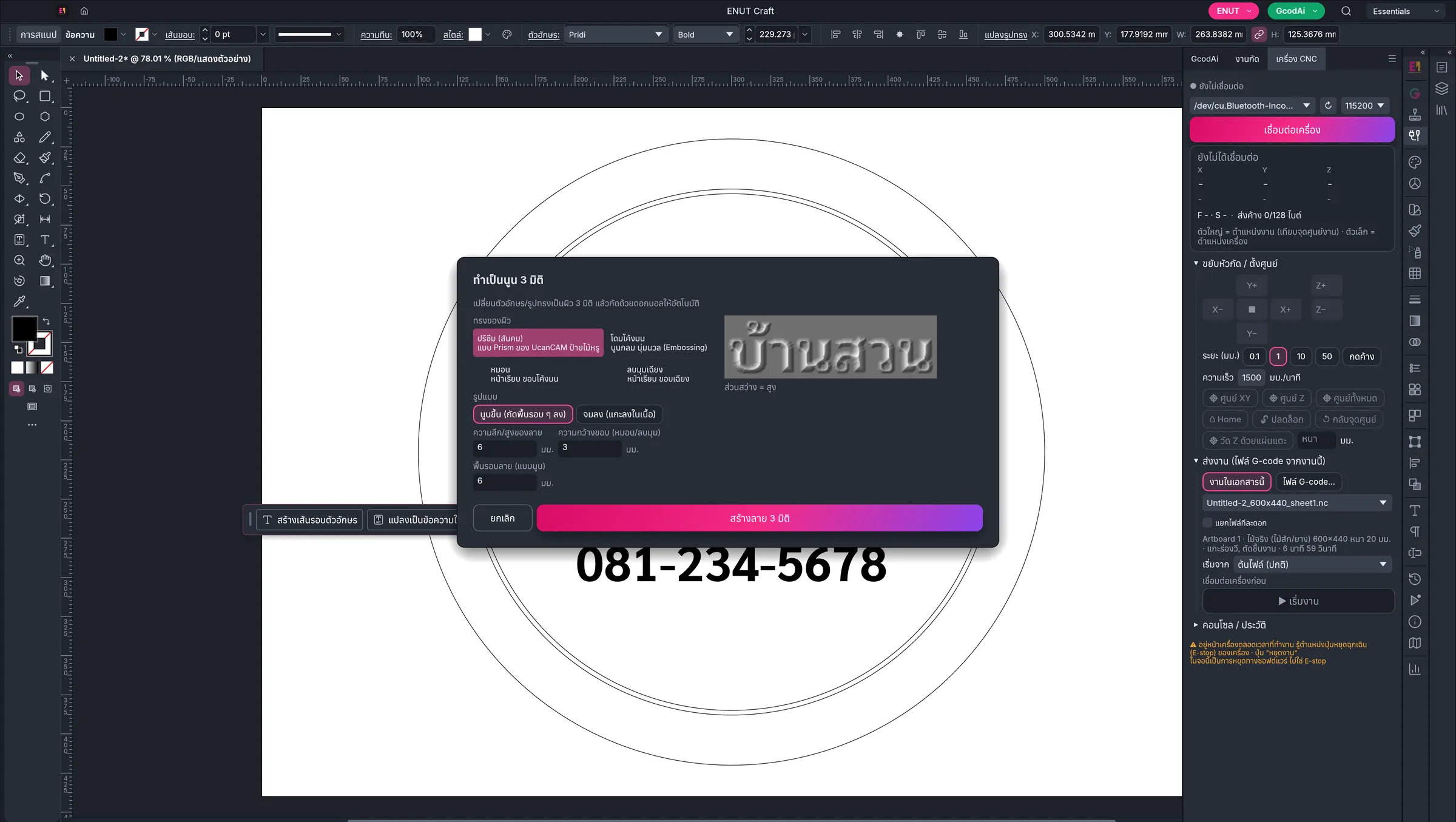
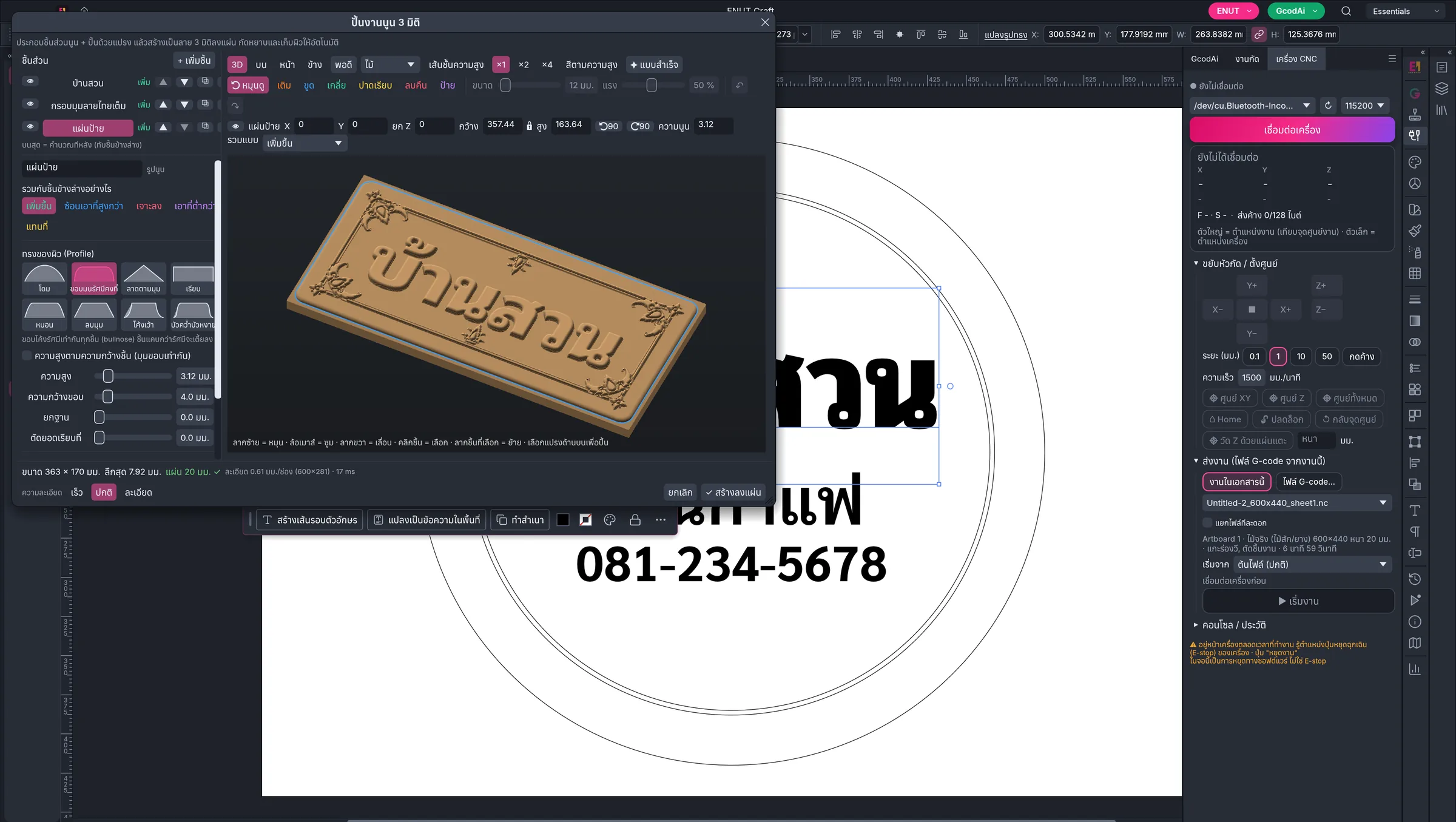
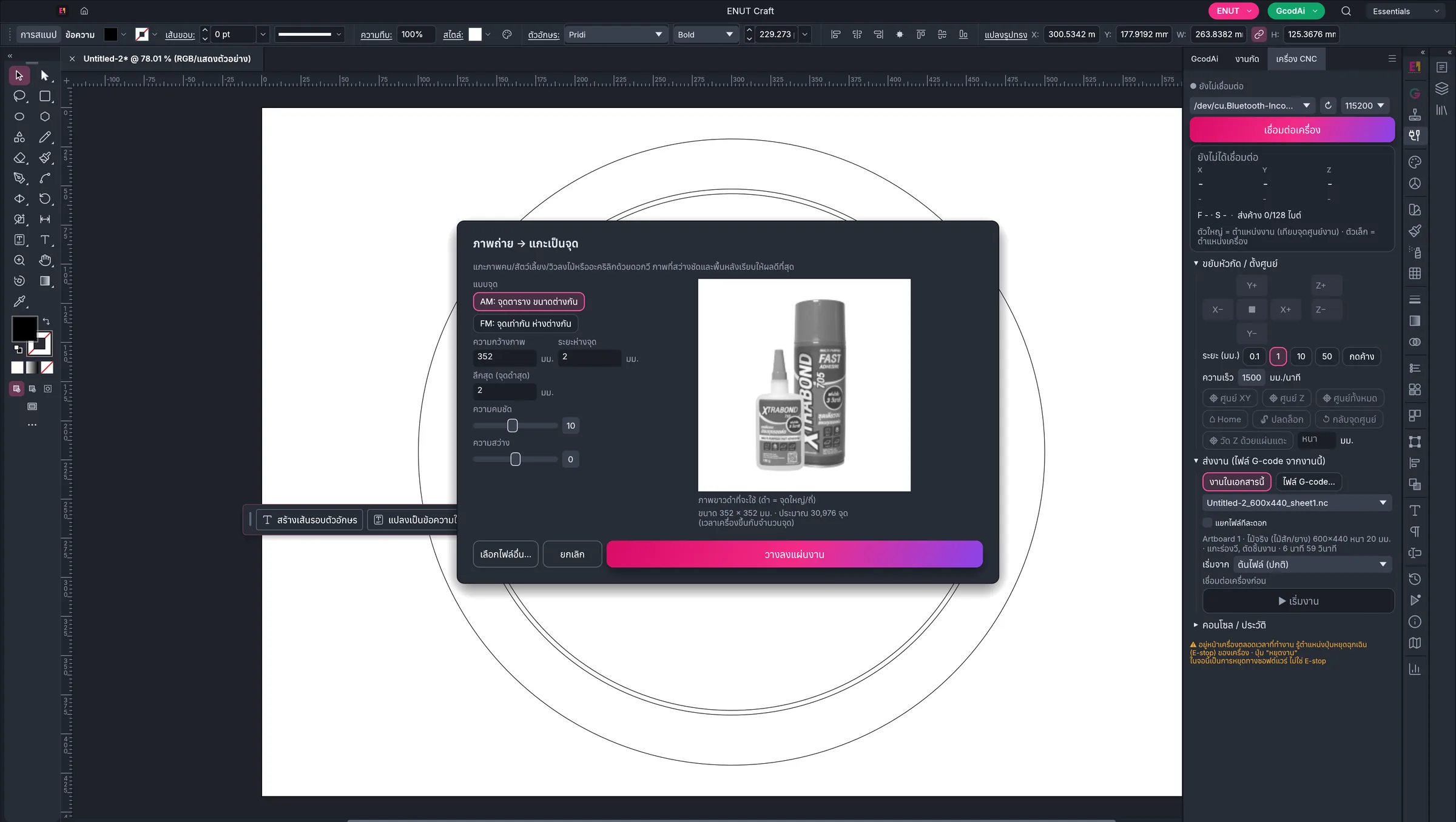
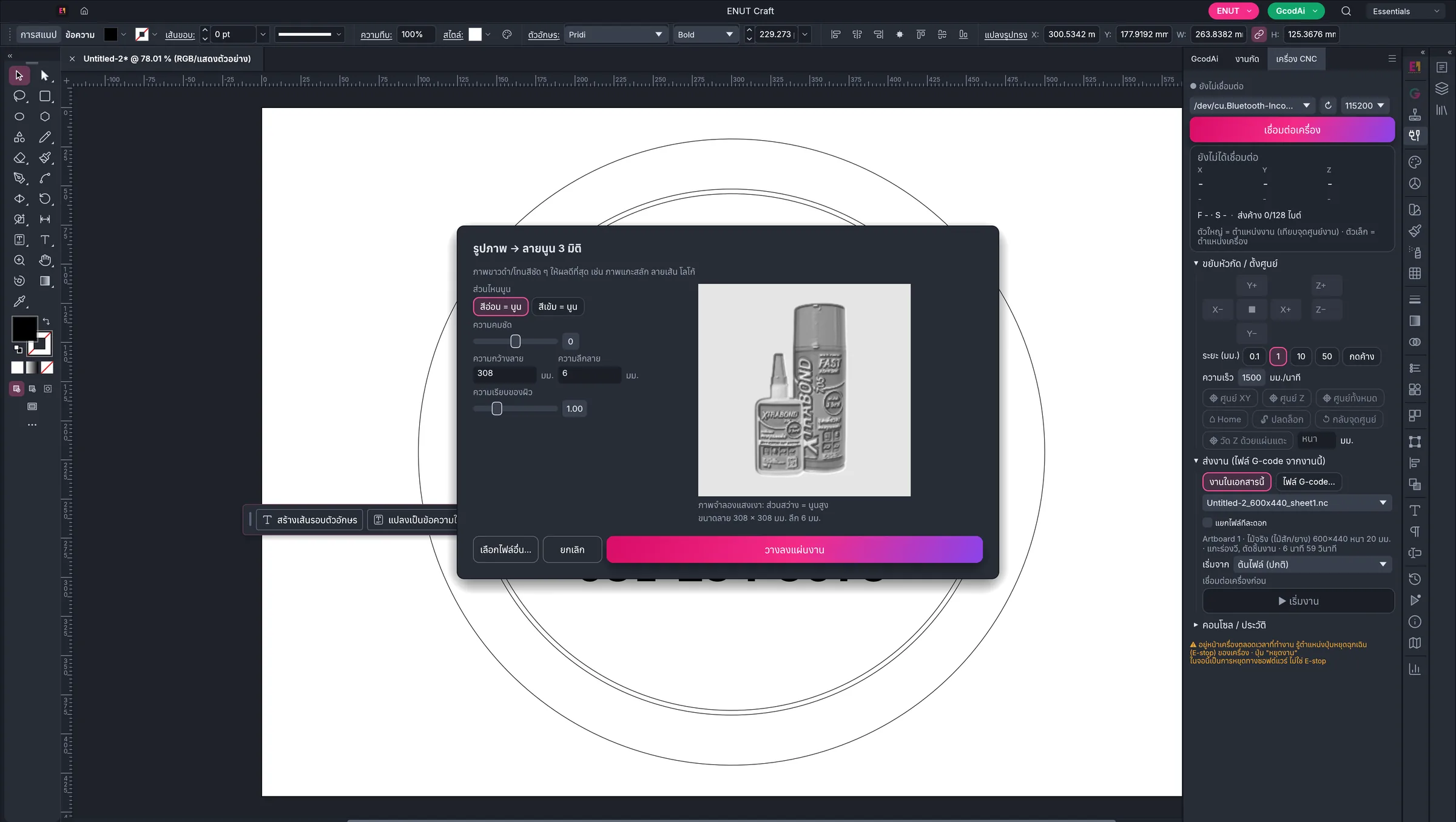
In the 3D work group of the GcodAi panel, turn a picture into a 3D relief, import an STL model, make selected letters raised in 3D, or sculpt a relief from pieces and brushes. Then place it on the sheet for the CNC to cut.
 Clip in progress
The clip for this lesson is being made. For now, follow the screenshots and steps below. The clip will appear here when it's ready.
Steps
Open the GcodAi Panel, go to the 3D work group, and click 3D work
Or from the ≡ menu of the machining panel, choose Picture → 3D relief…, Import a 3D model (STL)…, Make Selected Letters/Shapes Raised in 3D… or Photo → Halftone Dots (Halftone)…
Adjust the values in the window, then click Place on the sheet
Sculpt relief: click Sculpt Relief in the GcodAi panel (or GcodAi › Sculpt Relief…), click + Add piece to add a flat base, raised letters, a sweep along a line or a revolve around an axis, then refine it with the sculpting brushes
Click ✓ Place on the sheet, then simulate and export as in the earlier lessons
Screenshots in this lesson