
ClipLesson 23 of 61
Price letters by height and get a summary for the customer
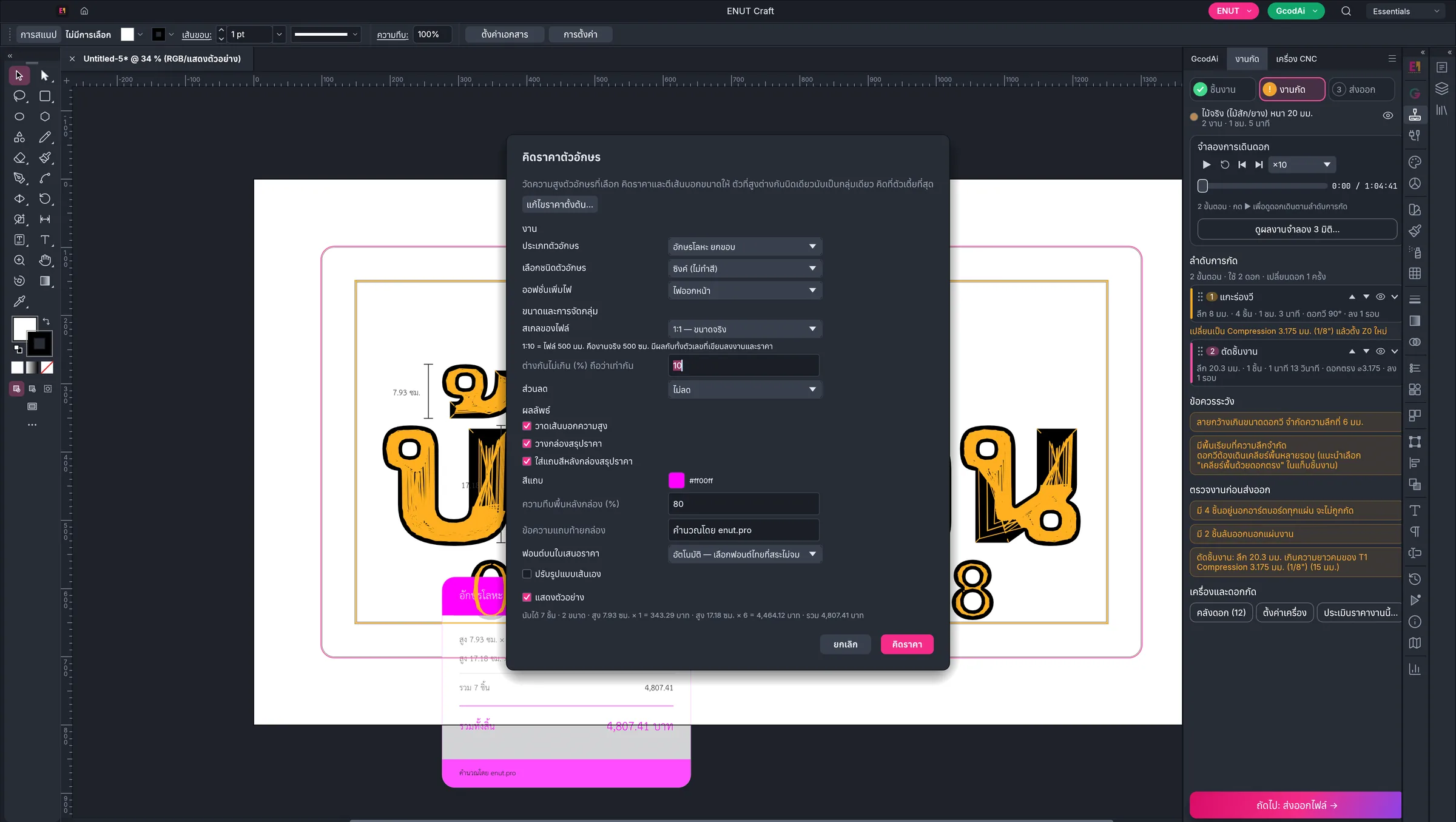
Select your letters and use ENUT › Letter Pricing…. The program measures the heights, groups letters of similar height, works out the price from your shop's price table, then draws height lines and places a price summary box on your design.
 Clip in progress
The clip for this lesson is being made. For now, follow the screenshots and steps below. The clip will appear here when it's ready.
Steps
Select all the letters you want to price.
Open ENUT › Letter Pricing….
Choose the Letter type and the lighting options, such as Add-on Lighting Option.
If this is a reduced-size file, set the Drawing scale to match, and set a Discount if you have one.
Under Result, tick Draw the height dimensions and Place the quotation card.
Click Work out the price. The dimension lines go on the Size layer and the price box goes on the Price summary layer. You can send the picture to the customer right away.