
ScreenshotLesson 13 of 61
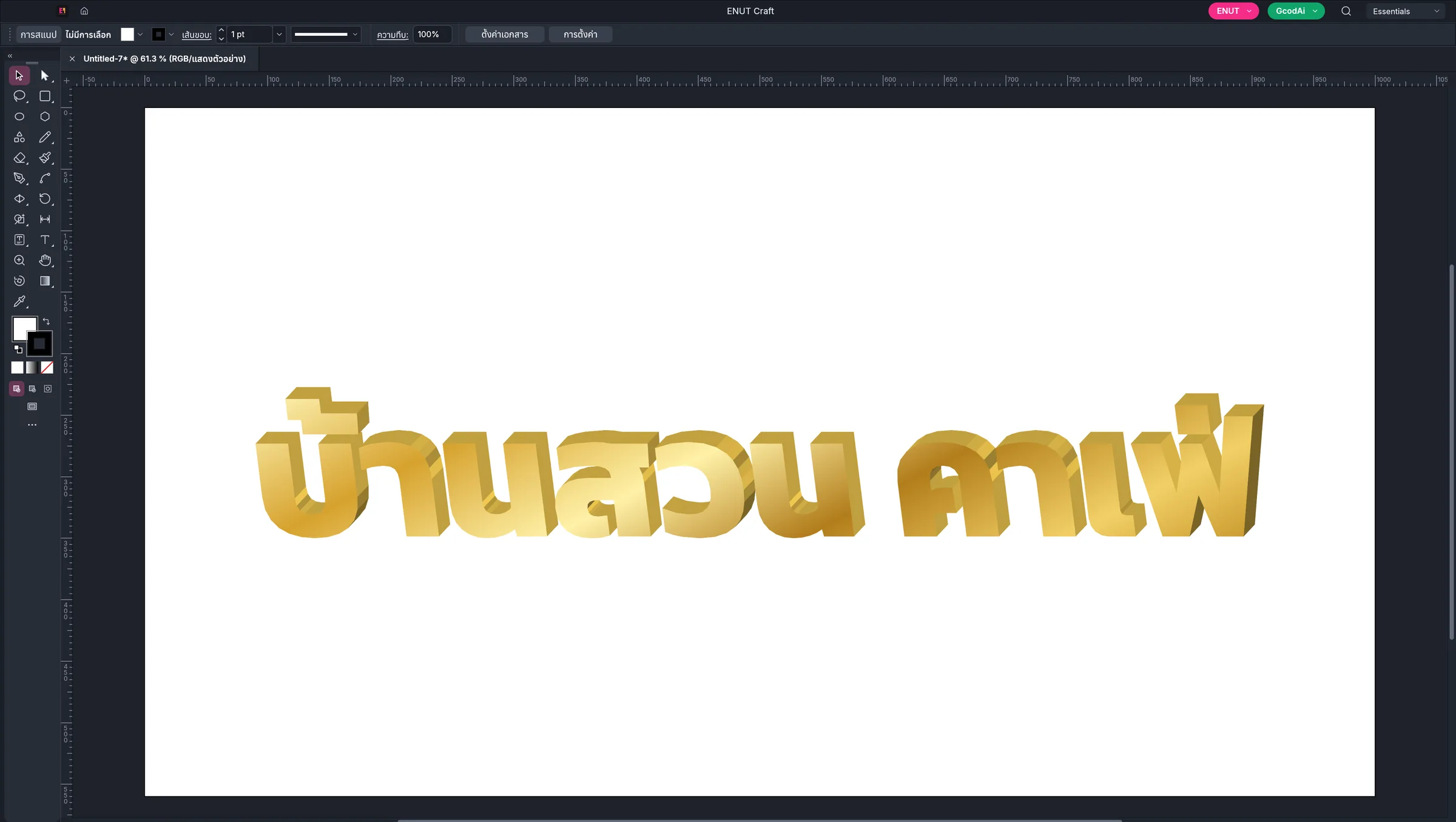
3D letters with metal materials
Select your text, then use Effect › 3D and Materials › Extrude & Bevel…. Set the depth and pick a material such as polished gold, stainless steel, chrome or rose gold. You can rotate it live, and you can still edit the text after applying 3D.
Steps
Type your text, or select the shape you want to make 3D.
Open Effect › 3D and Materials › Extrude & Bevel….
On the Object tab, adjust the Depth to make the letters as thick as you want.
On the Material tab, choose Polished Gold, Polished Stainless, Brushed Stainless, Chrome or Rose Gold.
On the Rotation tab, turn the view. On the Lighting tab, adjust the light. Then click OK.
If you want the 3D picture to become real shapes, use Object › Expand Appearance (after that you can no longer edit the text).