
ScreenshotLesson 22 of 61
Find a font from a picture
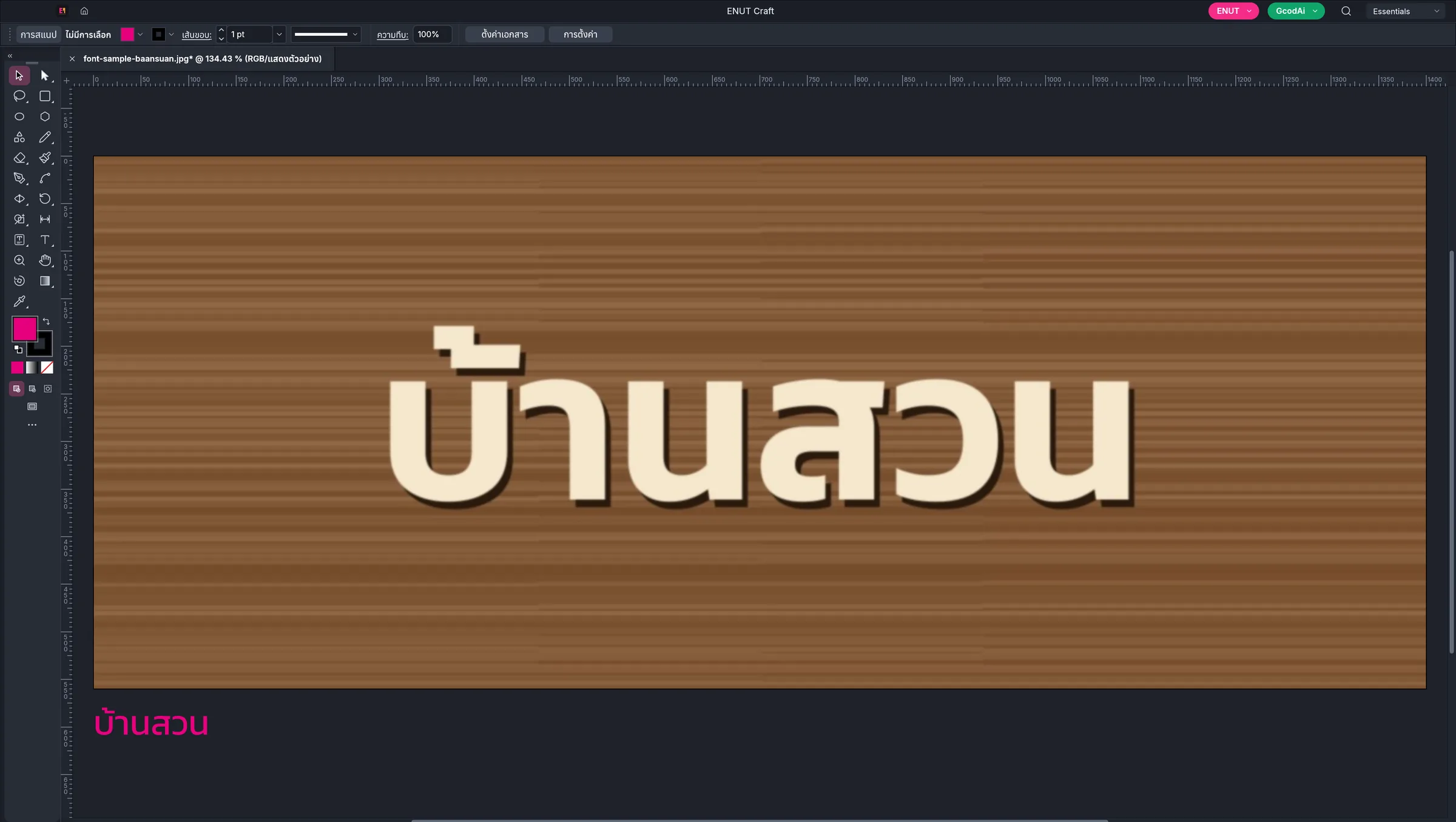
Select a picture that has lettering and use AI › AI Font Finder…. The AI reads the text and suggests close fonts, both fonts on your computer and free fonts on the web that you can install. It gives you options and does not guarantee an exact match for every letter.
Steps
Crop the picture so only the words are left. One line on a plain background works best. Then select that picture.
Open AI › AI Font Finder….
Type the Text in the picture if you know it (optional, the AI reads it for you).
Click Find Font (N Credits).
Under Fonts on this computer, click Use this font, or under Fonts on the web, click Install (free).
To compare again, type new text and click Compare again with the text typed (free). It costs no extra credits.