
ScreenshotLesson 15 of 61
AI credits: check your balance, prices for each job, and top up
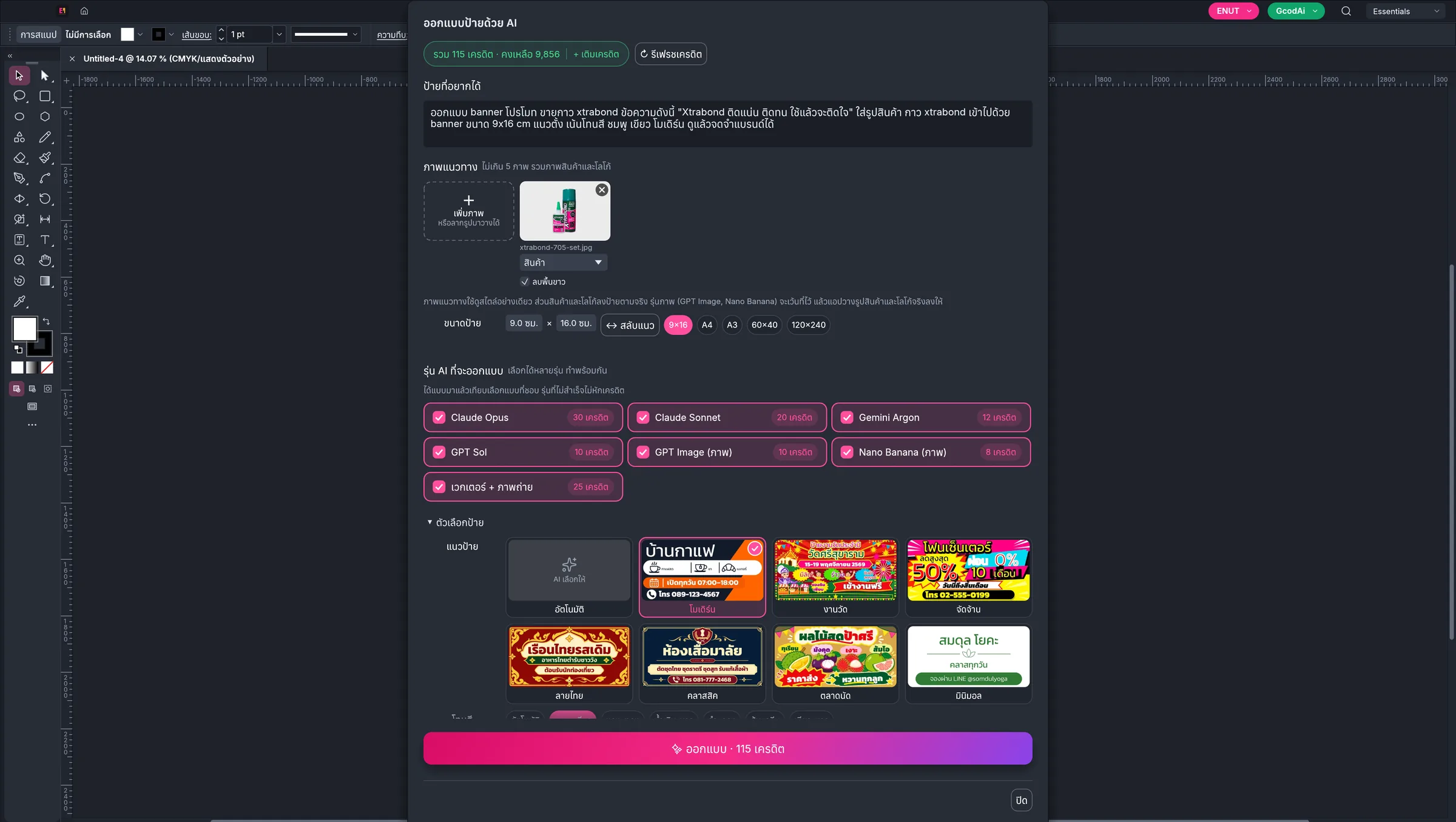
AI jobs in ENUT Craft use ENUT AI credits. Check your balance and the credits each kind of job uses at AI › AI Credits…. Click Top up credits and pay on the website, then come back and click Refresh credits.
Steps
Open AI › AI Credits… (or ENUT › AI Credits…).
Look at your remaining AI credits at the top.
The Prices section tells you how many credits each kind of job uses, for example each AI sign design model, AI upscale and background removal.
Click Top up credits. The program opens the top-up page on the website. Pay with PromptPay or a card.
When you have topped up, come back and click Refresh credits. The new balance appears.
In the AI Sign Design window, the top bar shows the total credits of the models you ticked and your balance, every time before you click Design.