Chapter 0 · 8 lessons · 4 clips
Getting Started
Install on Mac and Windows, activate your key, update, and get to know the ENUT Craft screen.
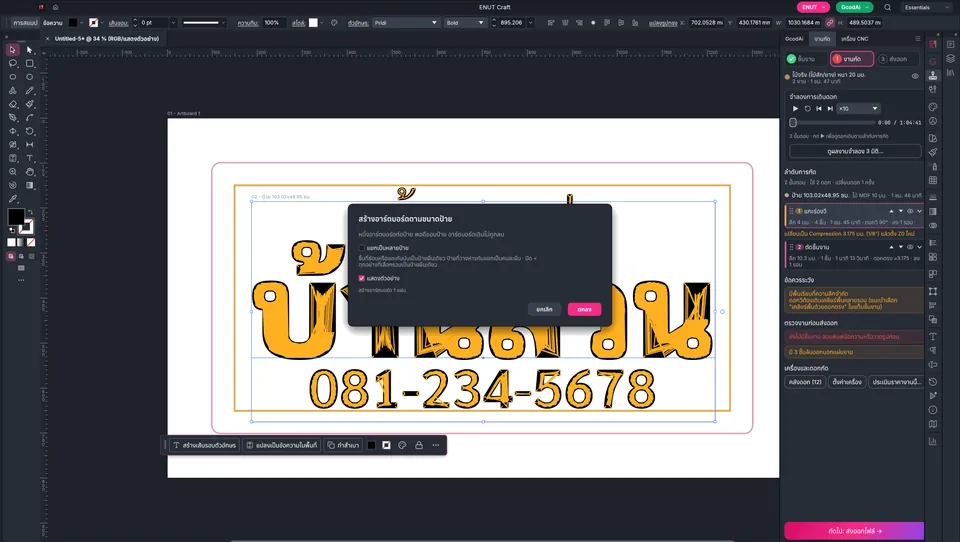
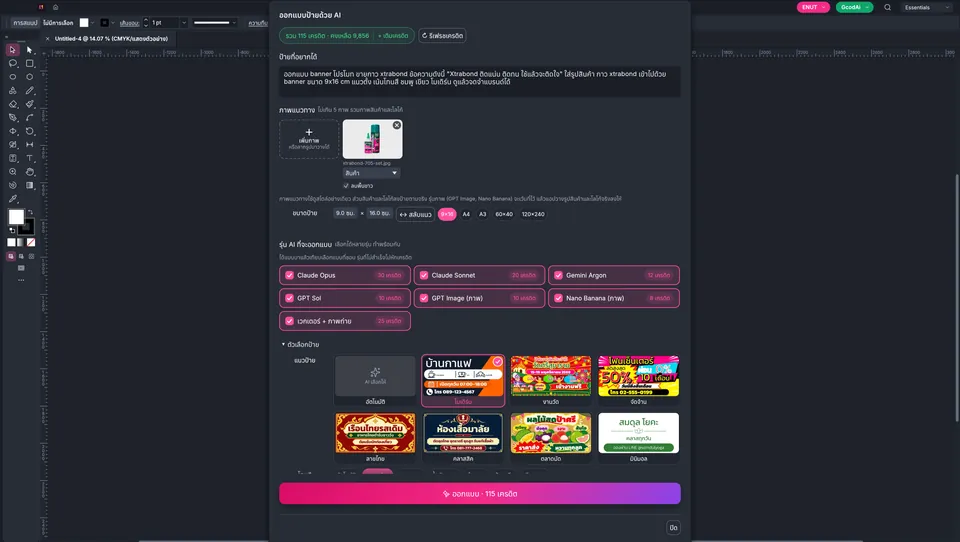
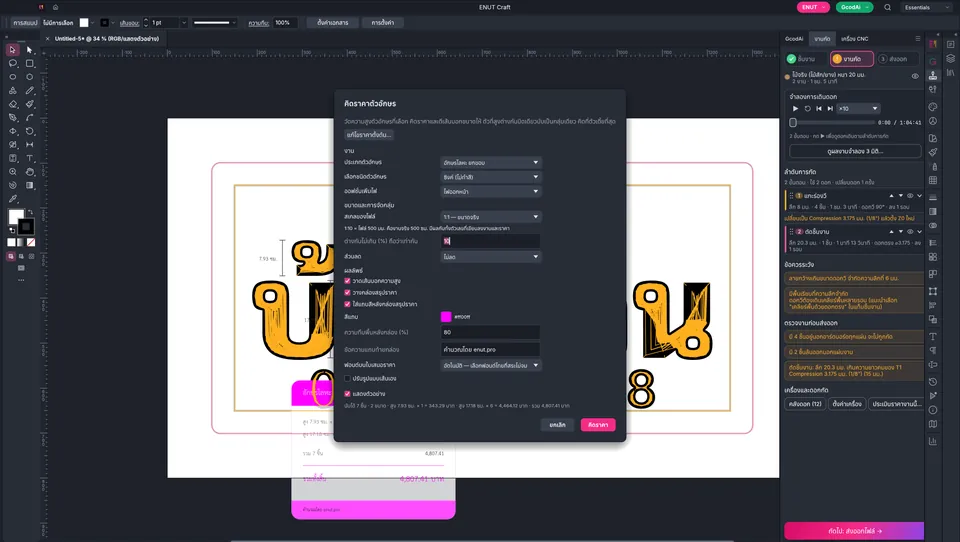
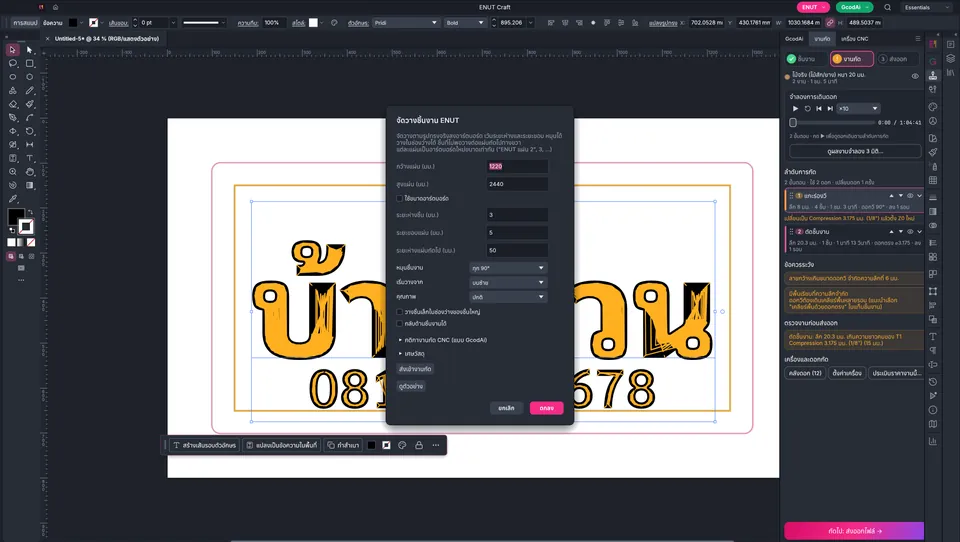
- Screenshot1What ENUT Craft is and how it differs from the ENUT plugin
- Clip2Install on a Mac with one command (Terminal)
- Clip3Install on Windows (PowerShell), with a zip file as backup
- Screenshot4Enter your key, activate, move to another computer (release), and having several keys
- Screenshot5Update the program to a new version
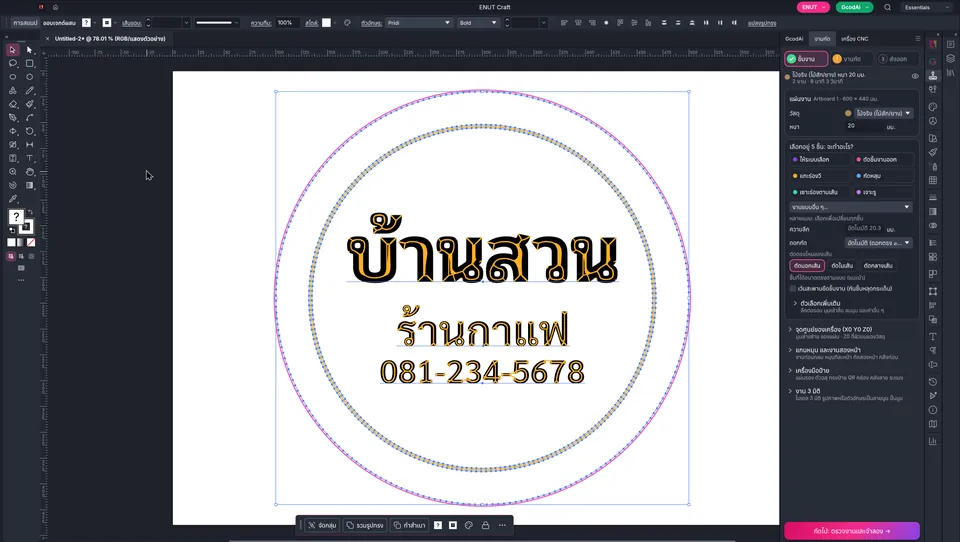
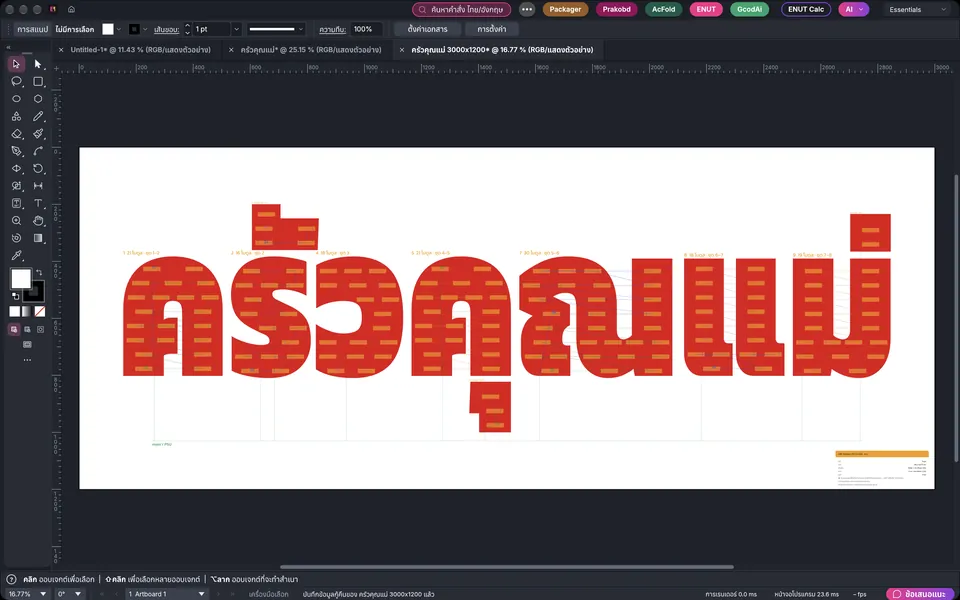
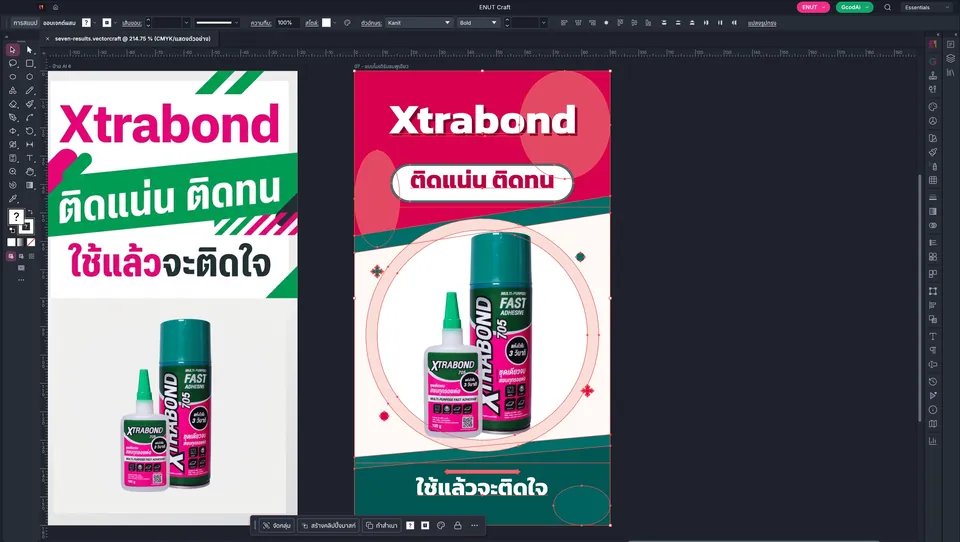
- Clip6A tour of the screen: top menus, toolbar, the ENUT panel and the GcodAi panel
- Clip7Change the program language: Thai, English and others
- Screenshot8Open AI, SVG, PDF, EPS and DXF files, save, and export (including PLT)