
ScreenshotLesson 24 of 61
Edit your shop's price table
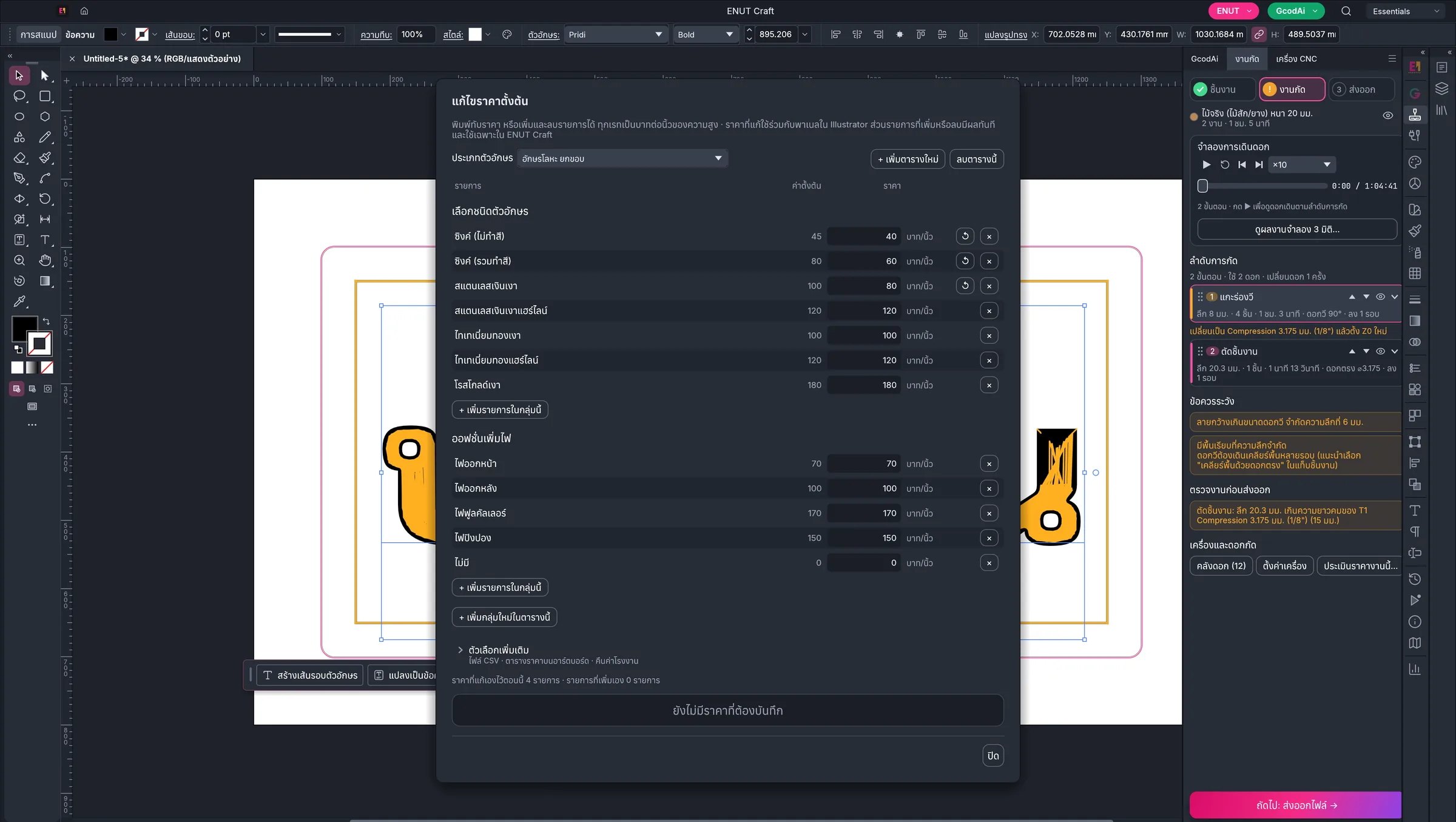
Open ENUT › Edit Default Prices… and change the letter prices by height to your shop's prices. You can add, edit or delete rows, or even add a whole table. Click Save the rates and letter pricing will use this set of prices.
Steps
Open ENUT › Edit Default Prices… (or the Edit Default Prices… button in the Letter Pricing window).
Choose the Letter type you want to edit.
Type the new price in the Rate box. The Shipped box shows the original price so you can compare.
Add items with + Add a row to this group, + Height band, + New group in this table or + New table.
Delete an item with the × button. You can bring it back with ↺ Bring back.
Click Save the rates.