
ClipLesson 48 of 61
Sign In to GcodAi and Get to Know the 3-Step Panel
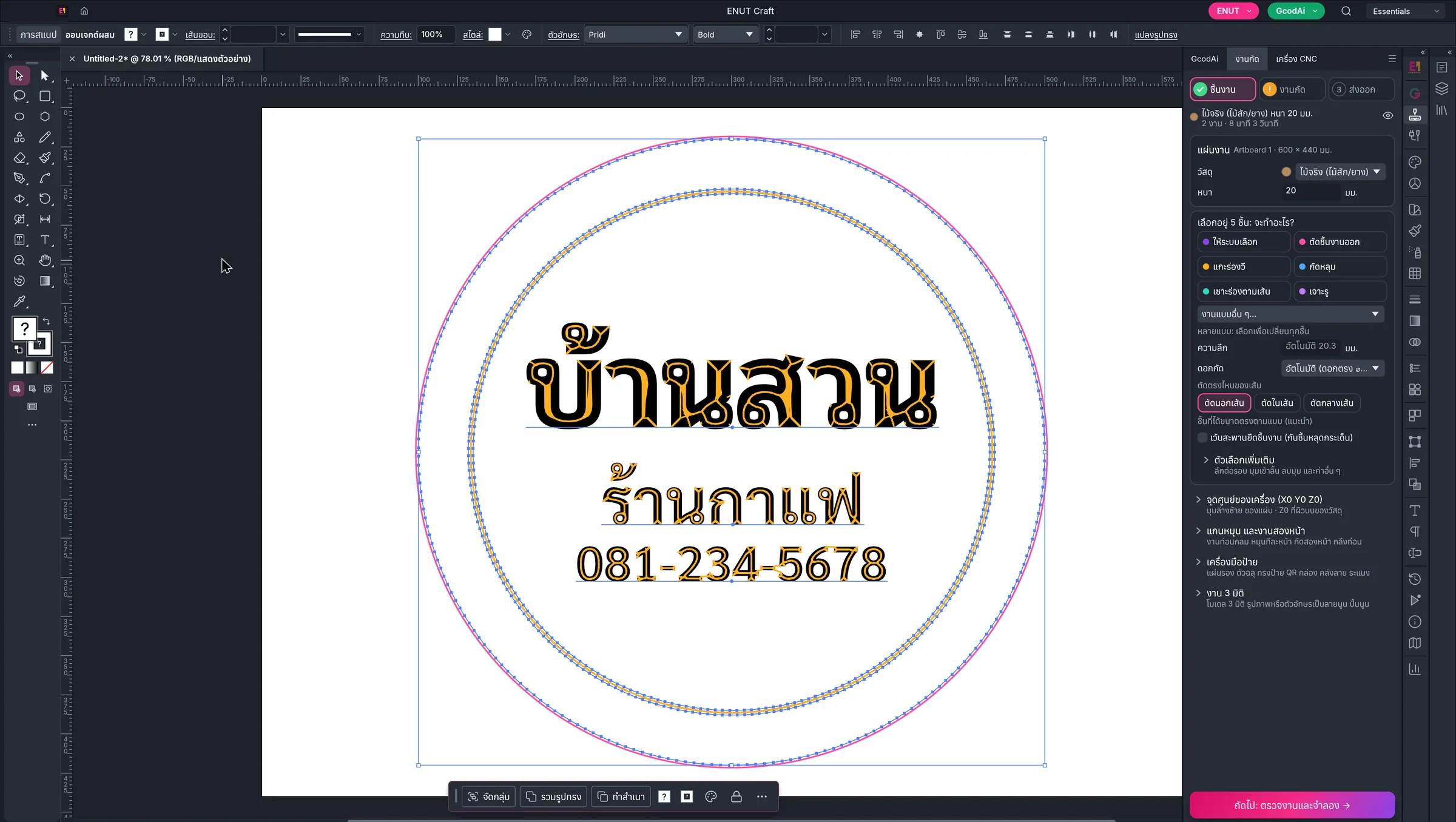
The GcodAi CNC tools are for GcodAi members only. Sign in at GcodAi › GcodAi Account… with Google, or with your email and password, then open GcodAi › CNC / CAM…. You work in 3 steps: pieces, machining and export.
 Clip in progress
The clip for this lesson is being made. For now, follow the screenshots and steps below. The clip will appear here when it's ready.
Steps
Open GcodAi › GcodAi Account…
Click Sign in with Google, or enter your Email and Password and click Sign in. If you're not a member yet, you can sign up or try it free from the link in the same window
Open GcodAi › CNC / CAM…
Step 1, Pieces: choose the material and decide what each piece will do
Step 2, Machining: look at the cutting order, simulate the tool path and check the job
Step 3, Export: choose the machine, name the file, then export